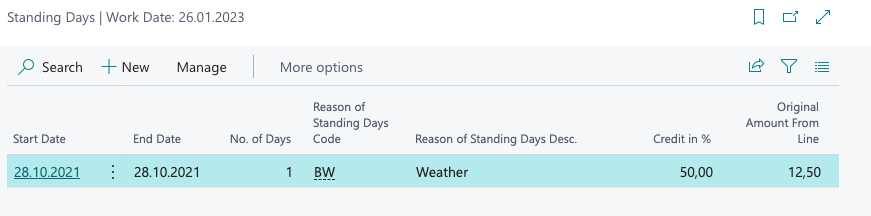
Standing Days
Deprecated documentation
This page describes a former TWEECORE solution for Microsoft Dynamics 365 Business Central. The product is no longer under active development and this content is no longer maintained.
Under certain circumstances, you will have made an agreement with your customers to reduce the amount billed in the event of bad weather, for example. Should you work with the so-called stand days, you can implement this function directly in the rental agreement.
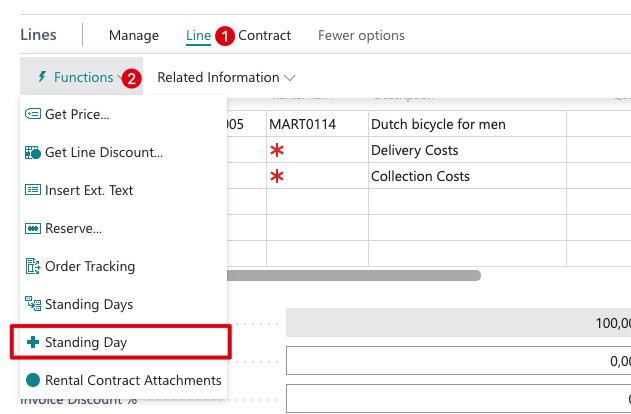
To do this, go to the rental lines and select the stand days.
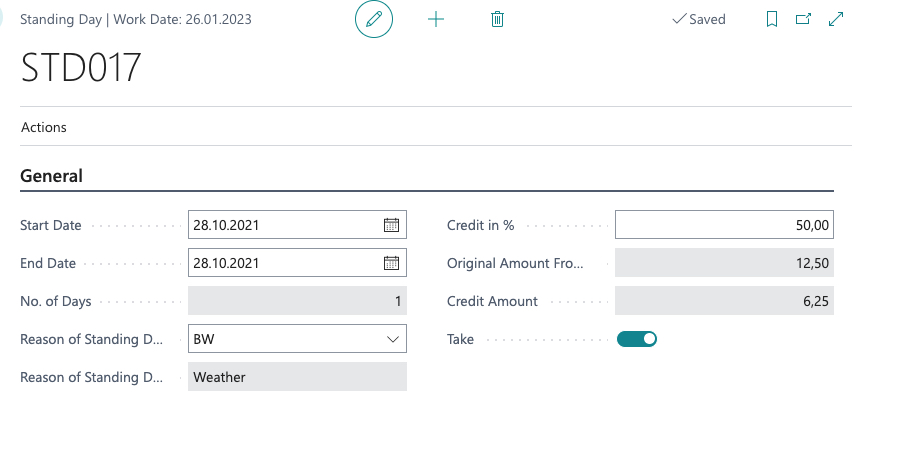
Here you enter the start and end of the corresponding stand days. You can also enter a reason. In addition, you can specify how large the discount for the stand days should be. Please place a check mark the field take.
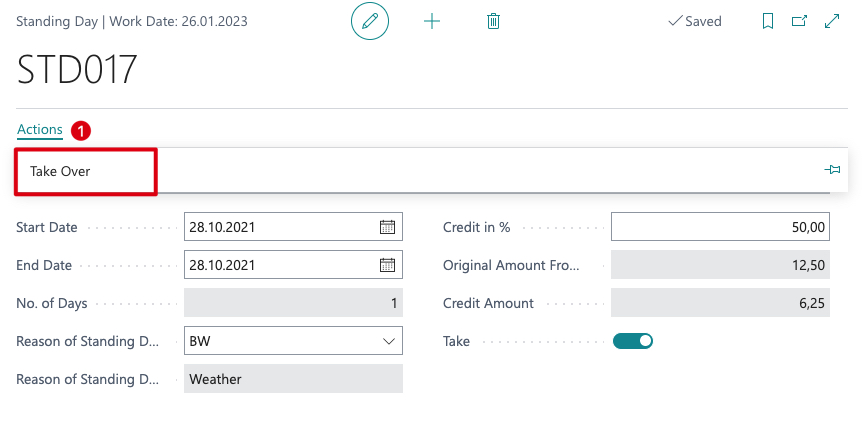
Via the Apply action, the stand days will be transferred and deducted accordingly in the next billing.